guide
How to minify front-end code in the browser Online Free (No Install)
· developer · js minify · free · browser
Minify front-end code in the browser. Free browser guide for js minify with no install and no account.
Related tool: HTML / CSS / JS Minifier — Minify front-end code in the browser.
Open toolYou can minify front-end code in the browser in your browser with no install and no account. Toolkase’s HTML / CSS / JS Minifier runs locally so your input stays in the tab.
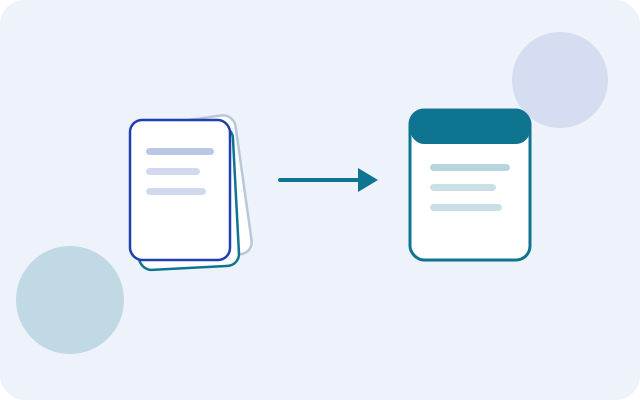
Strip comments and extra whitespace from HTML, CSS, or JS for a quick size check. Best-effort — verify before production.
Why people search for “js minify”
“js minify” is usually a job-to-be-done query: you have an input, you want a result quickly, and you do not want friction (accounts, watermarks, or mystery uploads). Browser tools win when they are honest about where processing happens.
Even for text and numbers, local processing is nicer: nothing to sync, nothing to leak into a vendor log, and it keeps working after the page is loaded.
How to use HTML / CSS / JS Minifier on Toolkase
Open HTML / CSS / JS Minifier and follow these steps:
- Pick a language.
- Paste code.
- Copy the minified output.
That is the whole loop — open, process, copy or download.
How to verify processing stays local
Open DevTools → Network while you paste sample input. Toolkase’s utility logic runs in the page; your content is not sent to Toolkase for processing. That matters when you are formatting configs, decoding tokens, or generating secrets.
Tips for developer utilities
- Never paste production secrets into a tool you have not verified is local-only.
- Prefer SHA-256 over legacy digests for new integrity checks.
- JWT decoding is for inspection — it does not prove a token is valid.
- Minifiers here are best-effort; run your production bundler before shipping.
Related tools
Try it now
Use the free HTML / CSS / JS Minifier in your browser. For a privacy deep dive, see the safety guide. For broader use cases, read the practical guide.
FAQ
- Is my code uploaded?
- No. Minifying runs locally.
- Is this as good as a full minifier?
- No. It is a lightweight whitespace/comment pass, not a full AST minifier.
- Is HTML / CSS / JS Minifier free on Toolkase?
- Yes. HTML / CSS / JS Minifier runs in your browser with no account required.
- Do I need to install software to use HTML / CSS / JS Minifier?
- No. Open the tool page in a modern browser and work there — nothing to install.